OBS Free notebook Pro tools
Outcome-Based Selling — a structured notebook for building a pitch on one specific prospect, plus a set of tools that turn that notebook into real deliverables.
Every OBS session starts with a small prospect bar at the top — name, company, role, and free-text context (e.g. "Q3 rebid, new FMCG brief"). This isn't required, but the more you fill in, the better the pillars and generated tools are.
The 7 pillars — free, saved locally
Each pillar is the same shape: a running list of key points, a free-text notes box, and the ability to pin relevant linked articles as proof points. No server round-trip — this is your private working notebook for one deal.
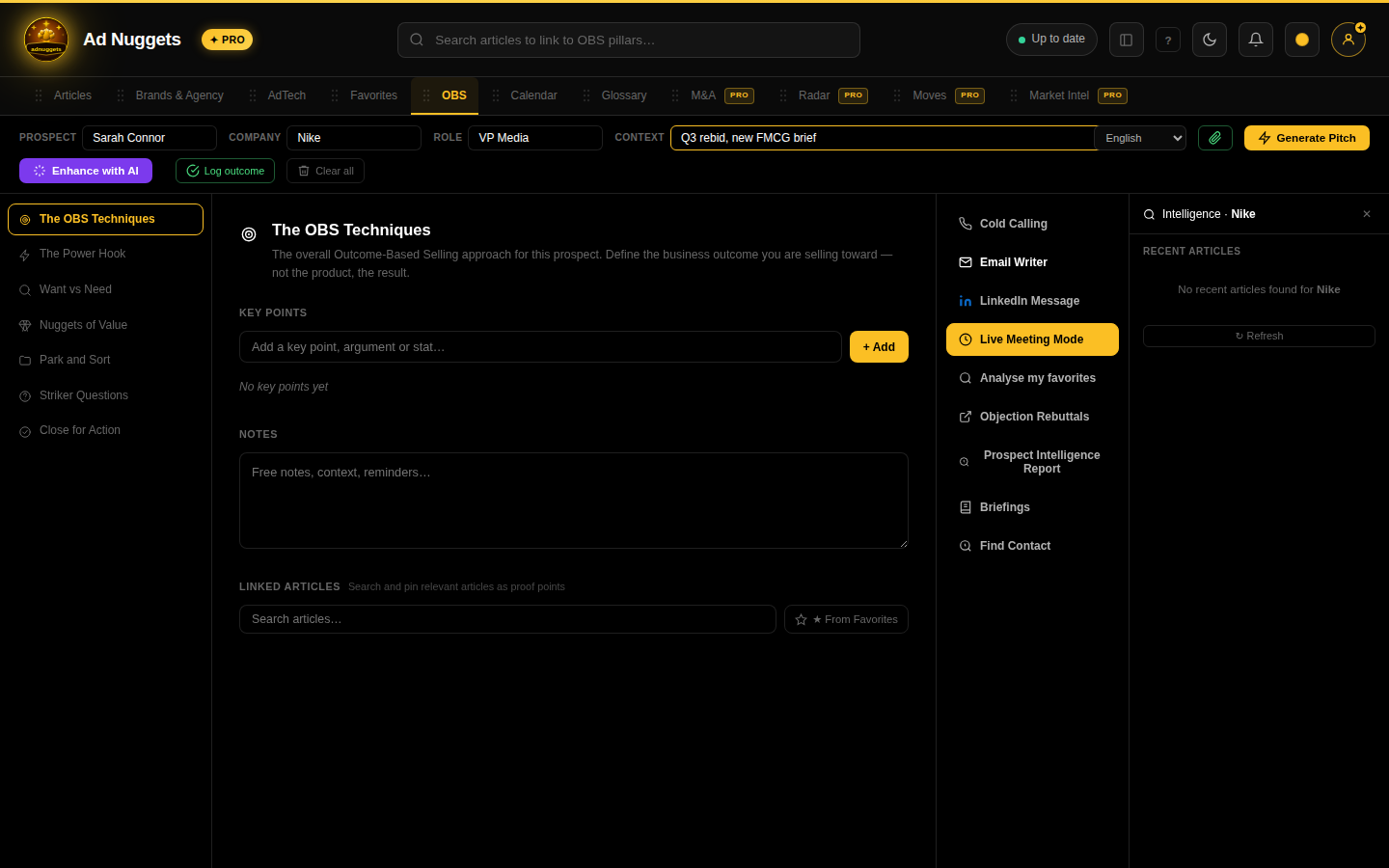
The OBS Techniques
The overall approach for this prospect: define the business outcome you're selling toward, not the product.
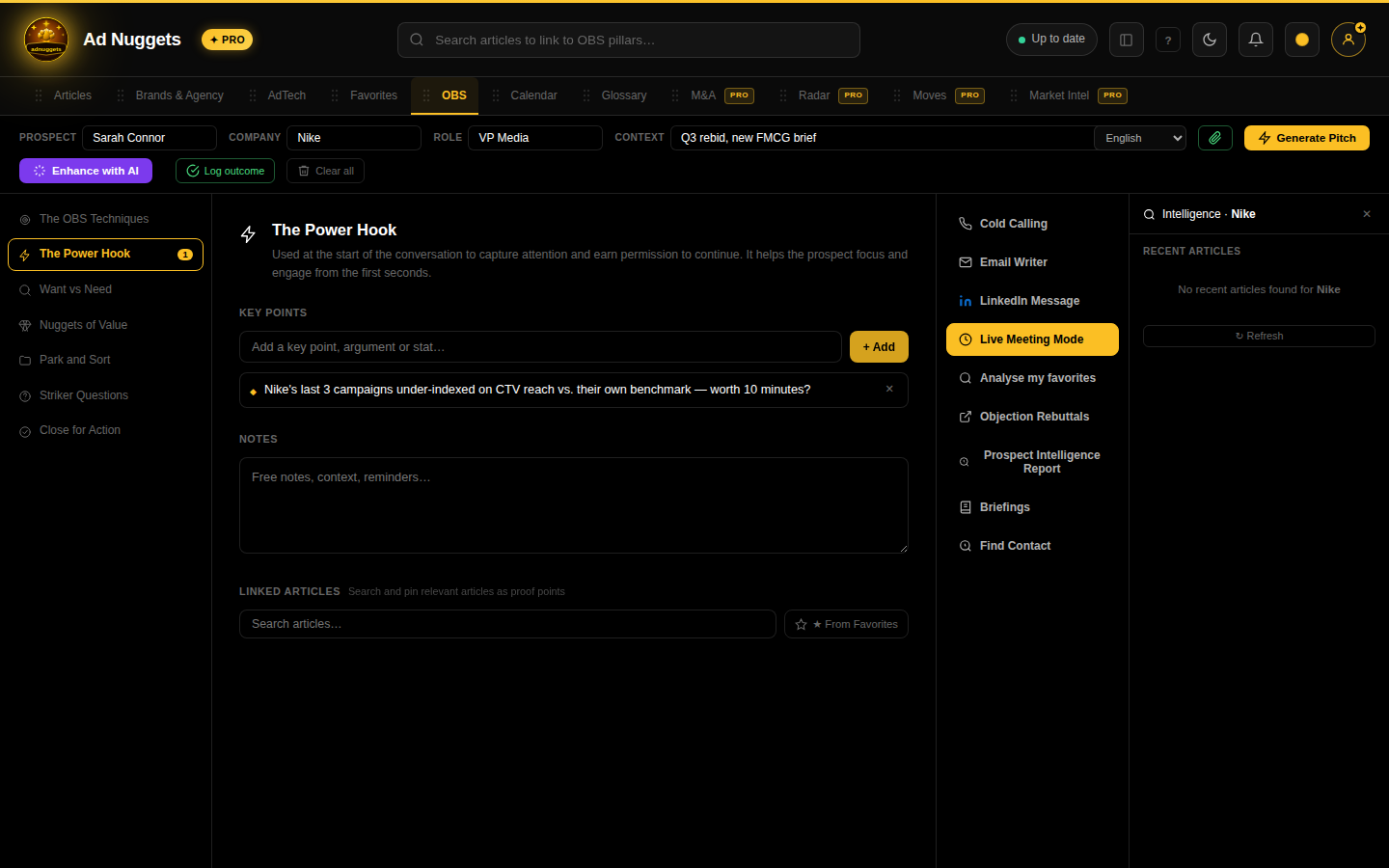
The Power Hook
Your opening line — used at the very start of a call or email to earn attention and permission to continue.
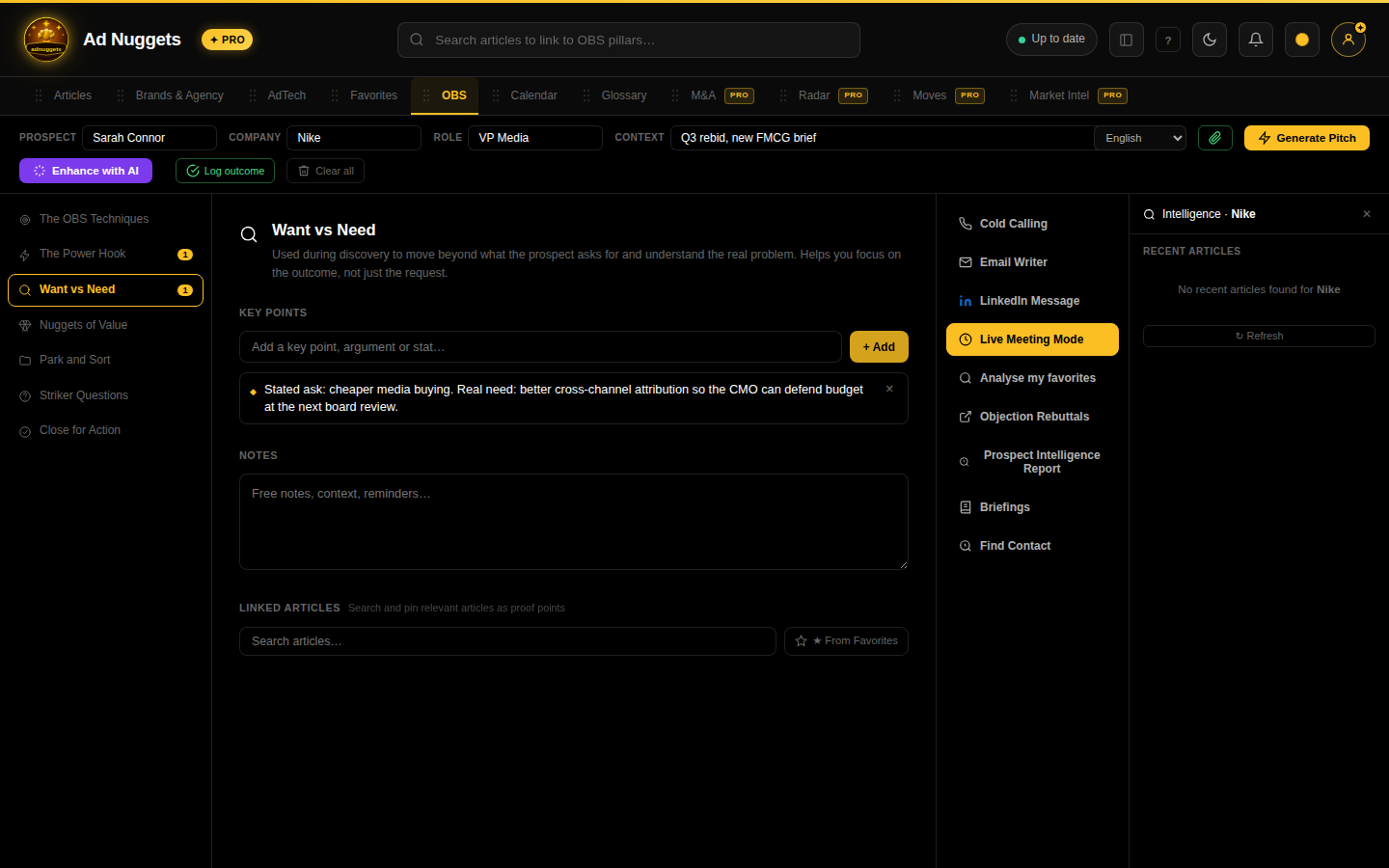
Want vs Need
Discovery notes distinguishing what the prospect is asking for from the real underlying problem.
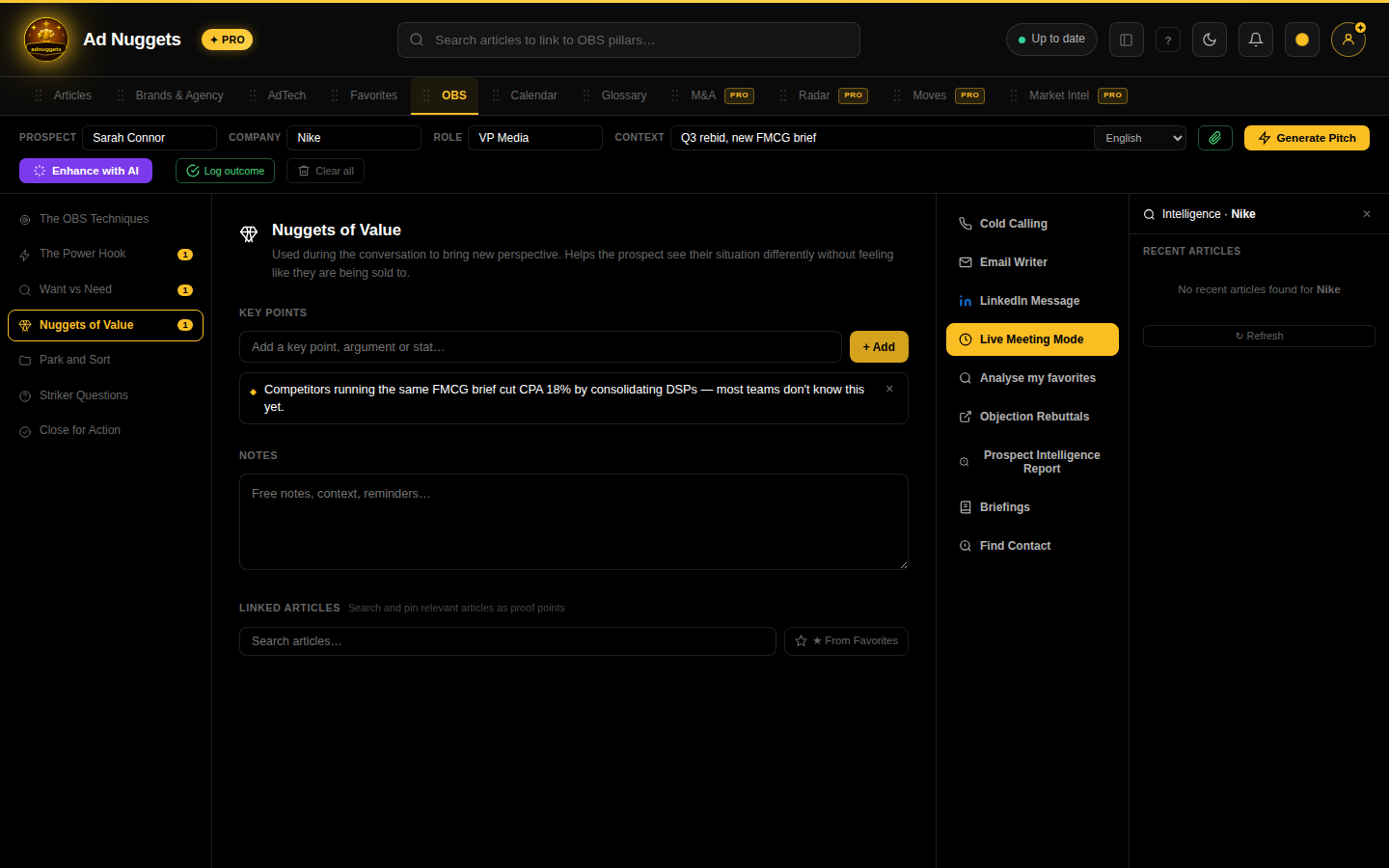
Nuggets of Value
Insights or reframes that shift how the prospect sees their own situation — without feeling like a sales pitch.
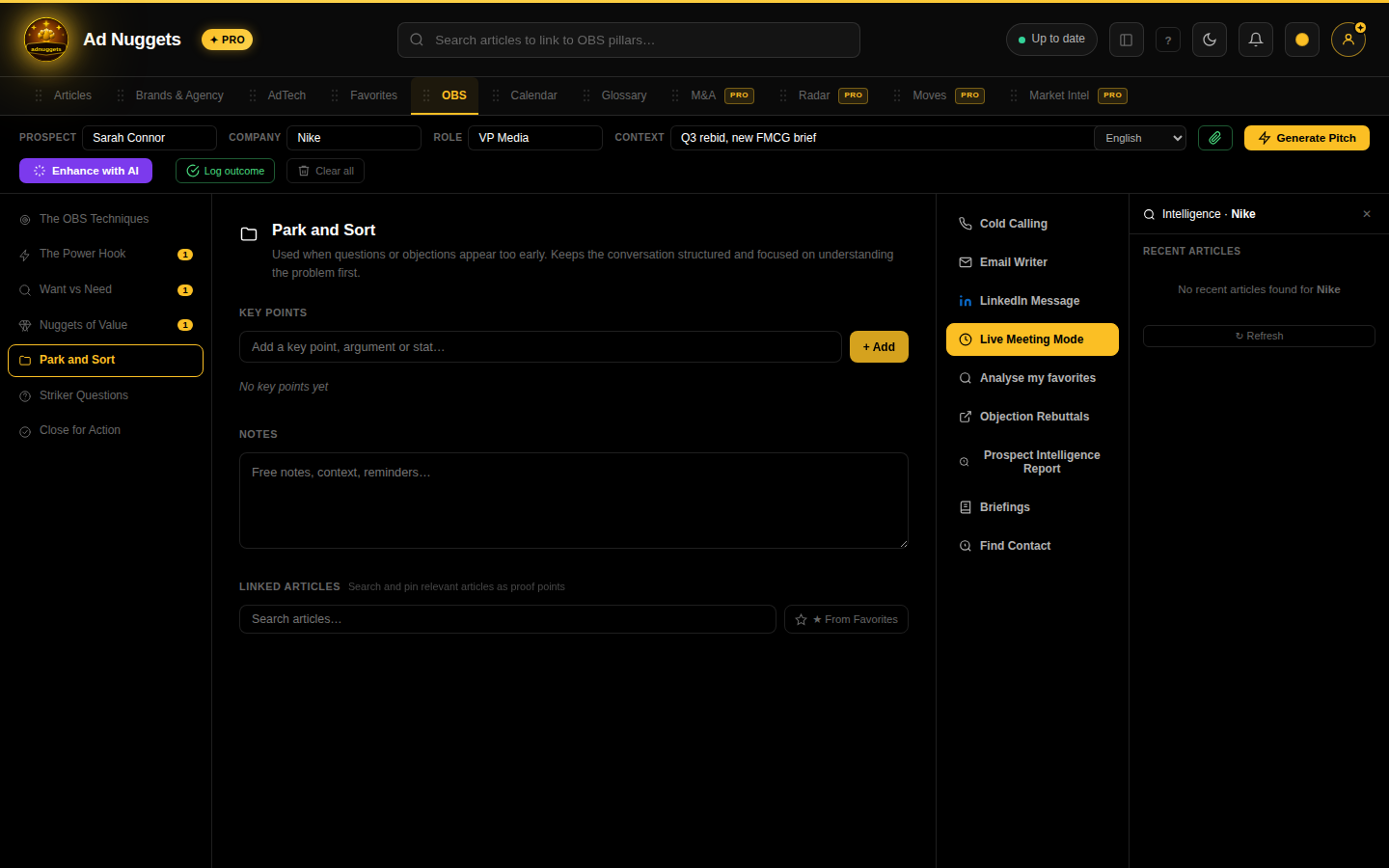
Park and Sort
Park objections or questions that surface too early, so discovery stays focused on understanding the problem first.
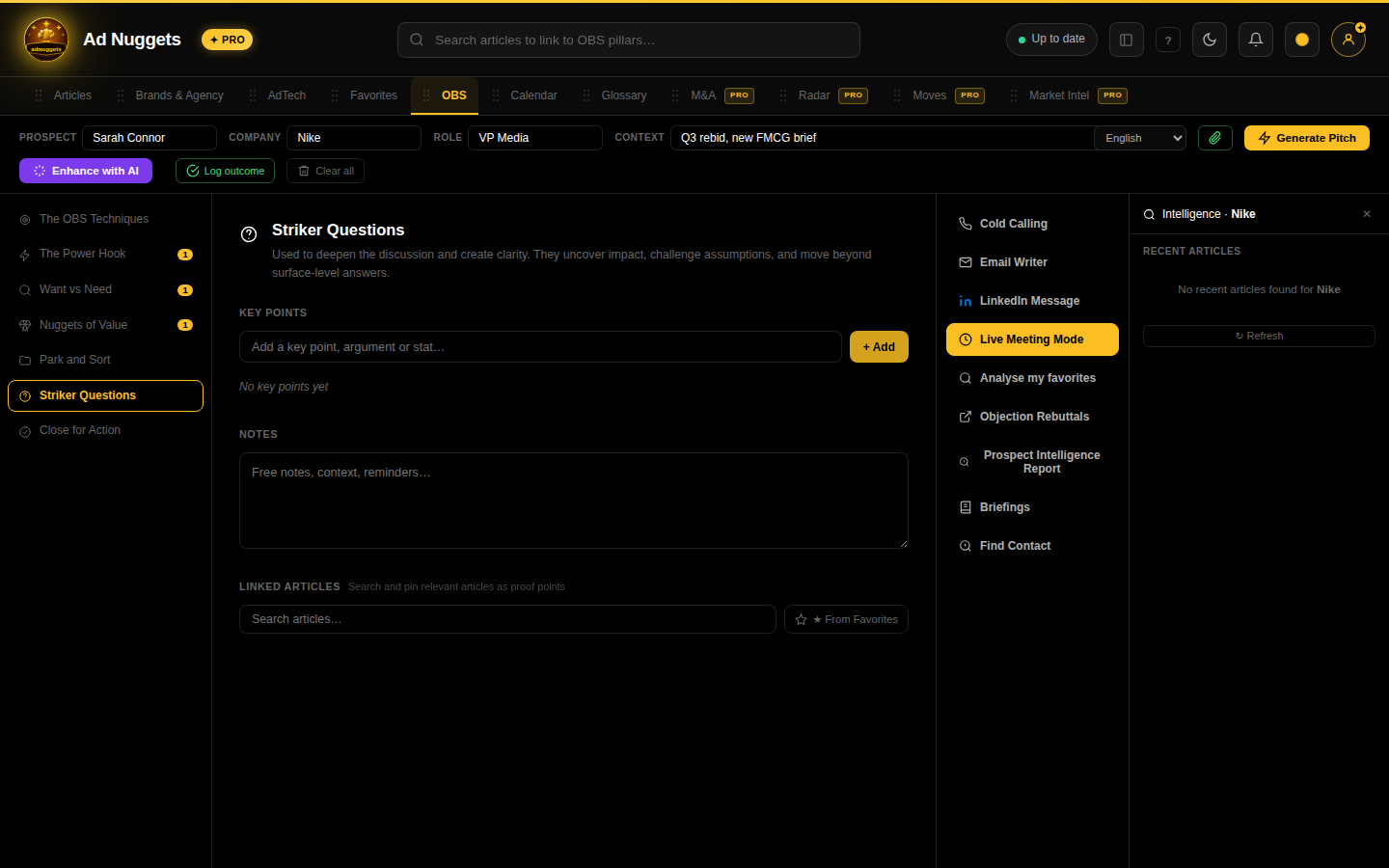
Striker Questions
Deepening questions that surface impact and challenge assumptions, beyond surface-level answers.
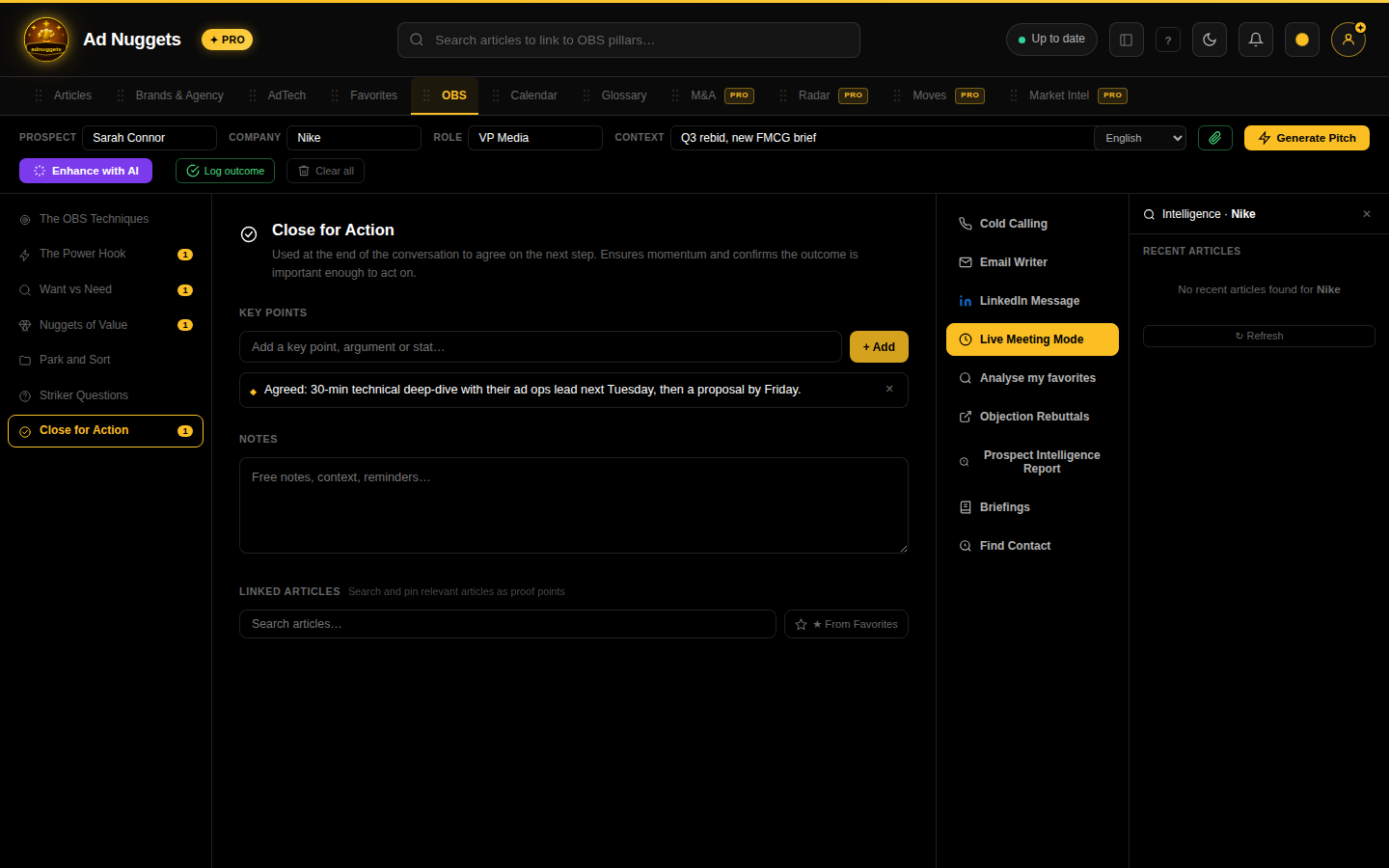
Close for Action
Agree on the concrete next step before the conversation ends — this is what actually moves a deal forward.
Action tools — Pro, built from your pillars
A footer row below the pillar list turns your notebook into deliverables. All seven require Pro.
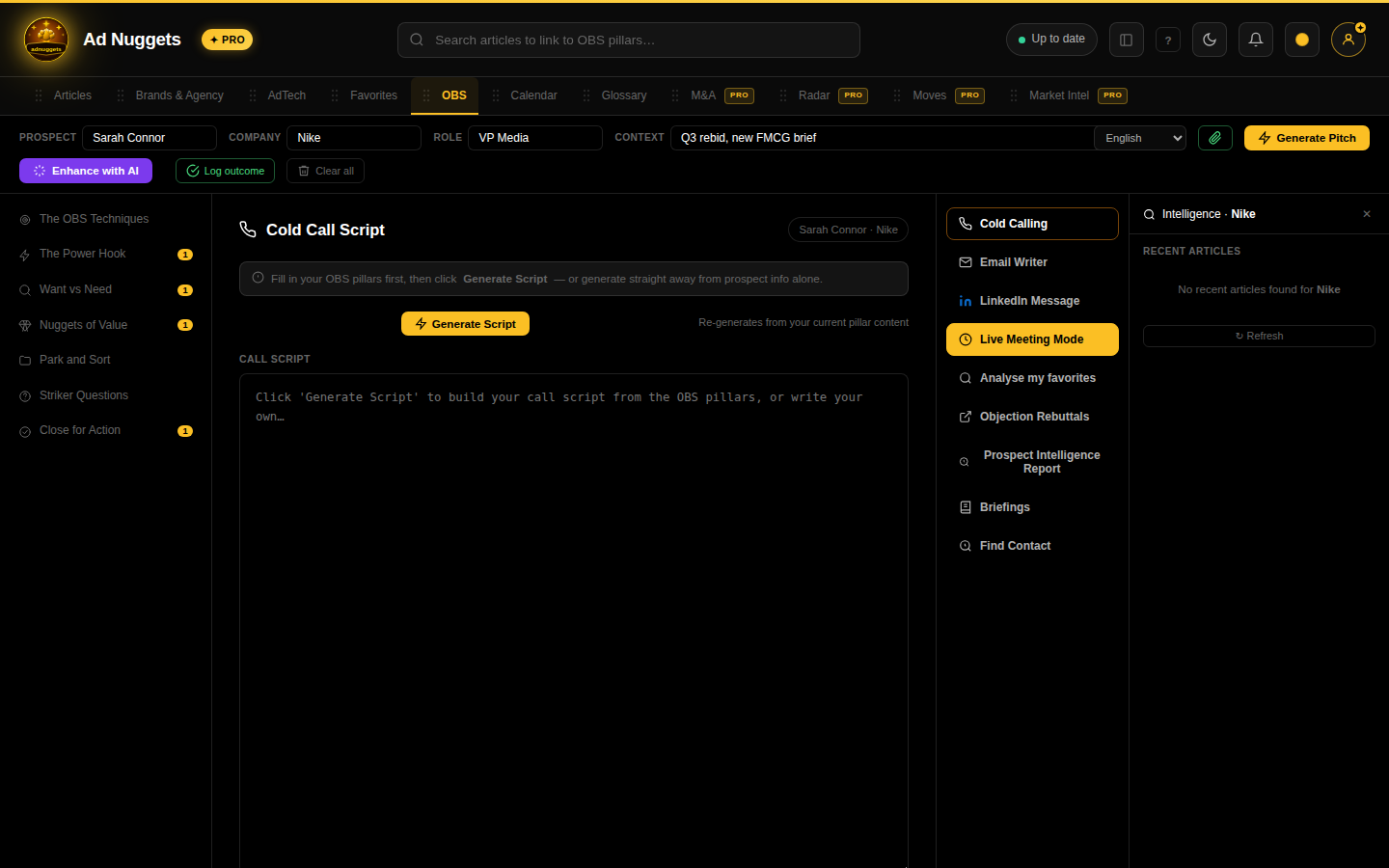
Cold Calling
Generates a cold-call script from your filled-in pillars (or from prospect info alone if pillars are empty).
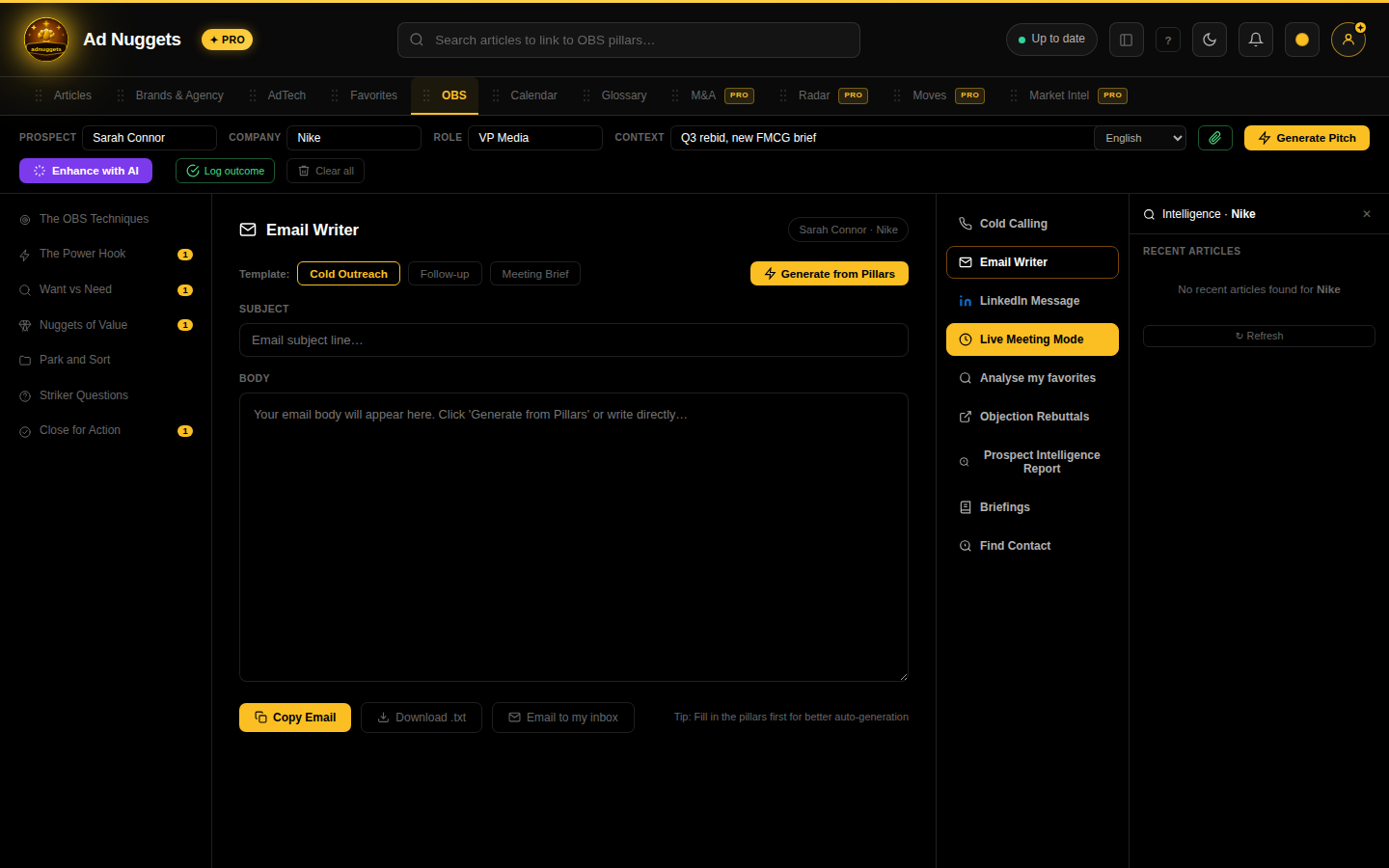
Email Writer
Three templates — Cold Outreach, Follow-up, Meeting Brief — built from your pillar content. Notice the right-hand panel: it auto-pulls recent Ad Nuggets coverage of the company you typed, so you always have a live, relevant hook available.
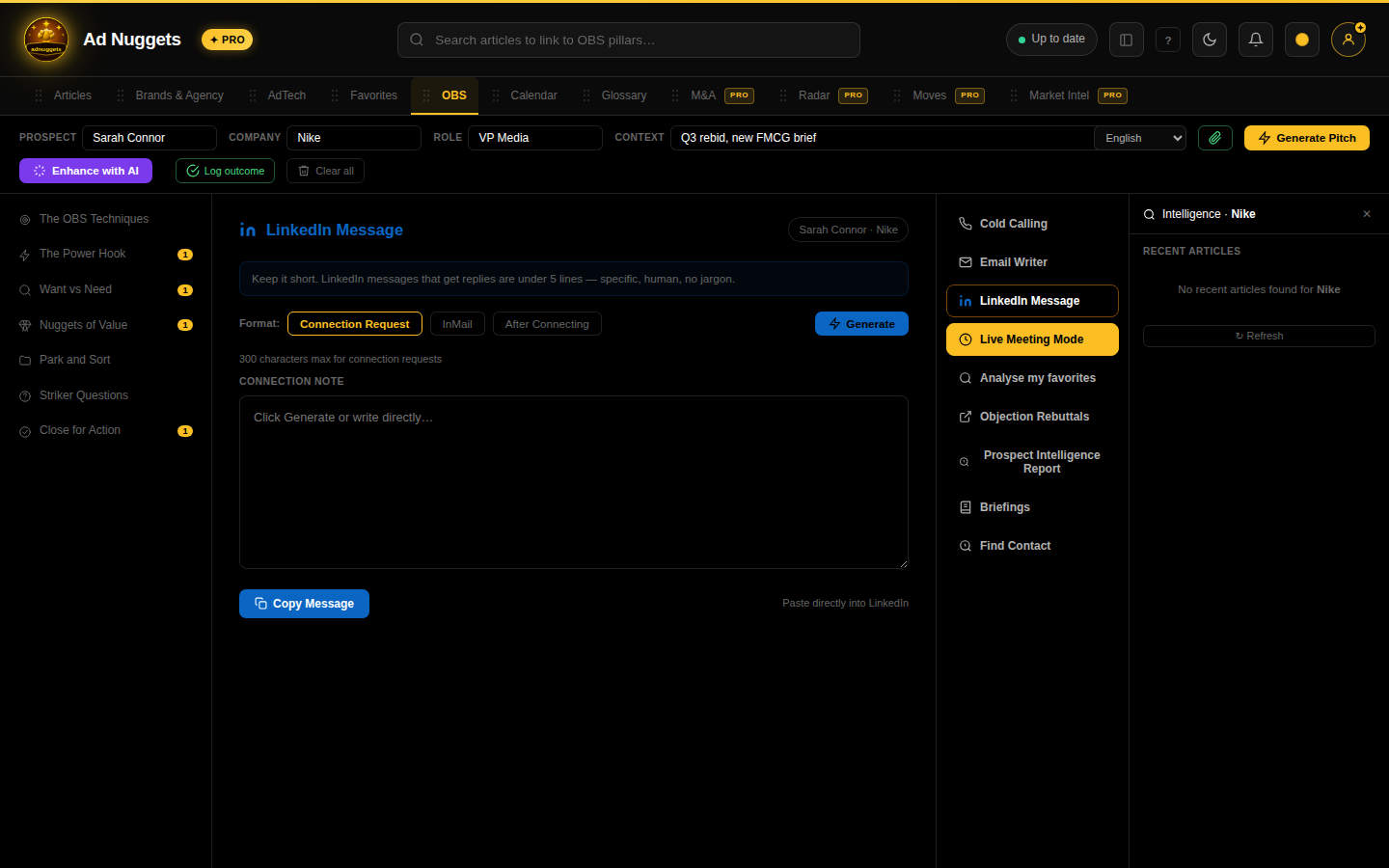
LinkedIn Message
Same idea as Email Writer, tailored for a LinkedIn connection request or DM.
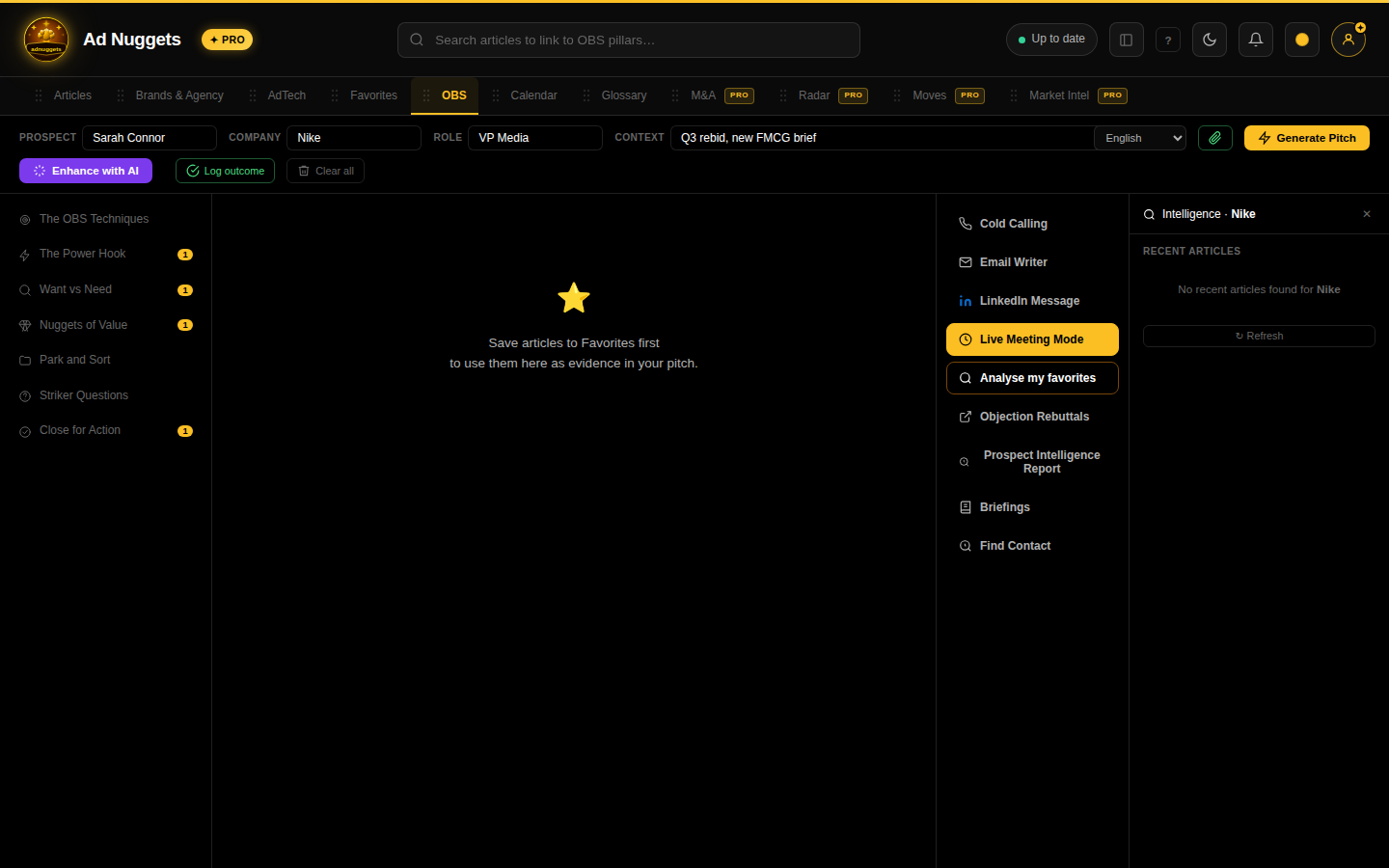
Analyse mes favoris
Pick from your Favorites and attach an article as supporting evidence to a specific pillar — useful for backing up a Nuggets of Value point with a real, citable source.
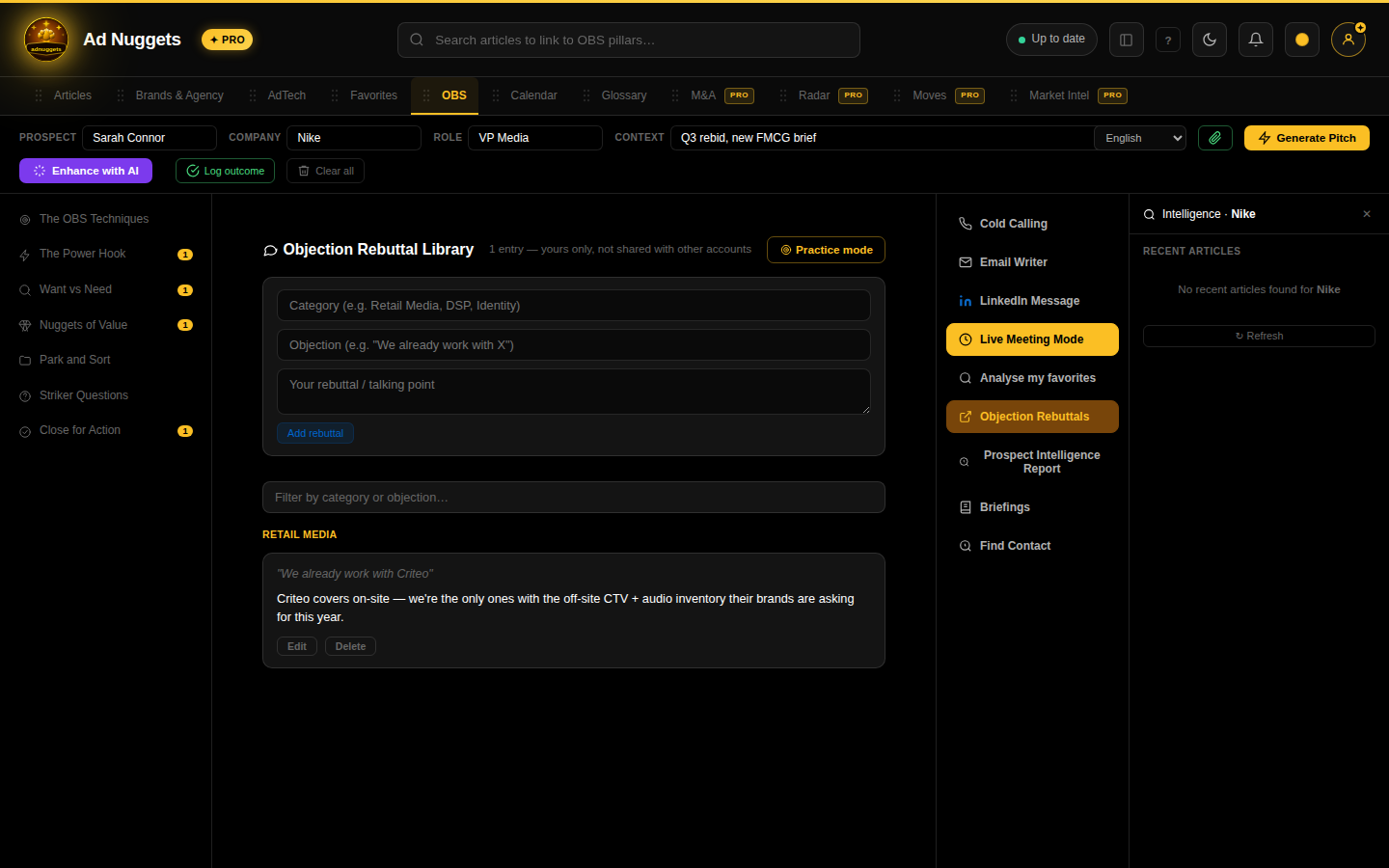
Objection Rebuttals
Your own private objection → response library, organized by category. Nothing here is shared with other accounts. Once you have entries, a Practice mode button appears — a spaced-repetition drill so the rebuttals actually stick before you need them live.
Prospect Intelligence Report
The standout tool: pulls together everything Ad Nuggets already knows about a company — news, brand/AdTech data, M&A history, and (optionally) a live tech-stack scan of their domain — into one traceable briefing. Every number is linked back to a real signal; nothing here is invented.
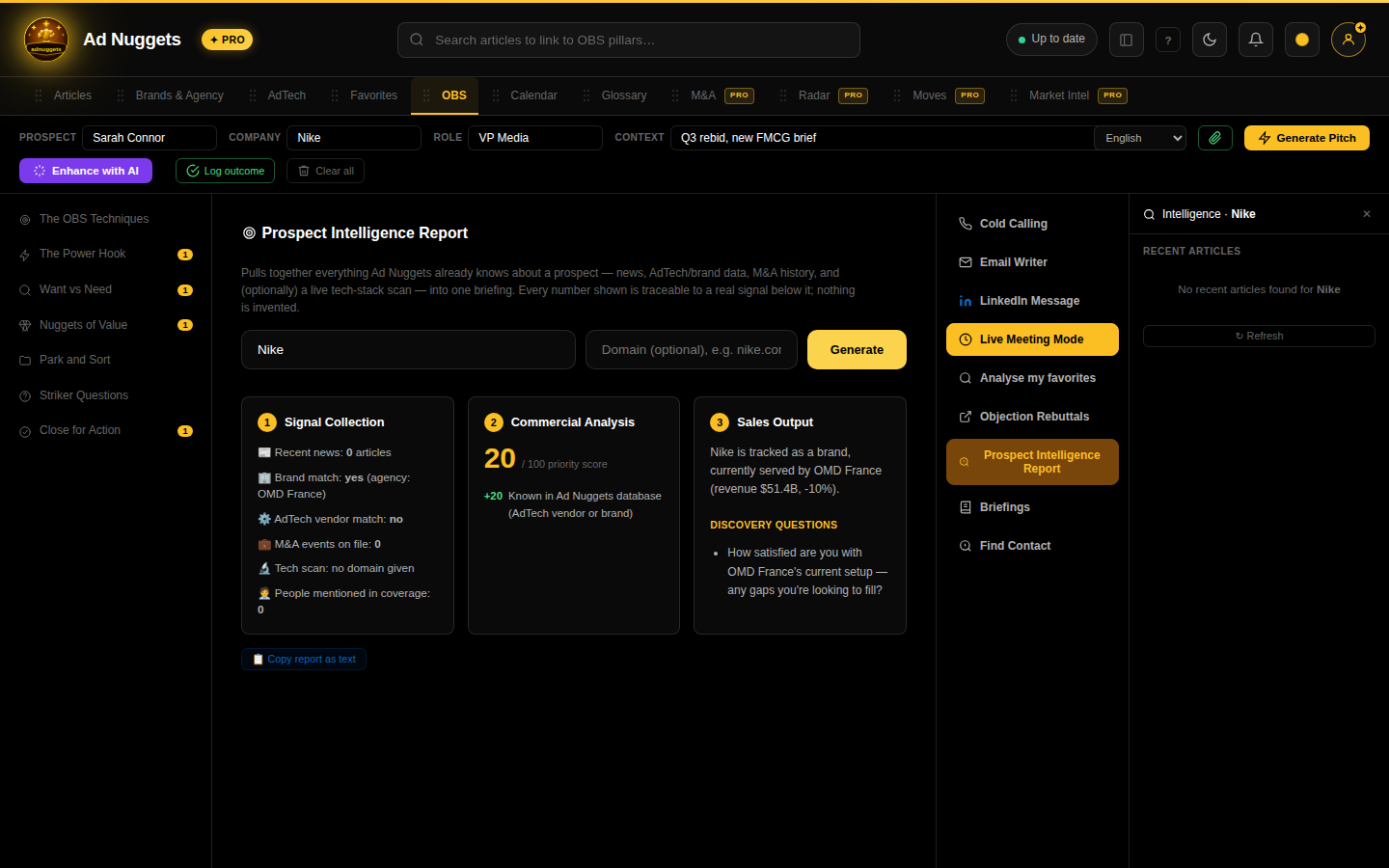
A generated report: Signal Collection (what data exists), Commercial Analysis (a priority score with its inputs shown), and Sales Output (a plain-English summary plus a ready-to-use discovery question).
Briefings
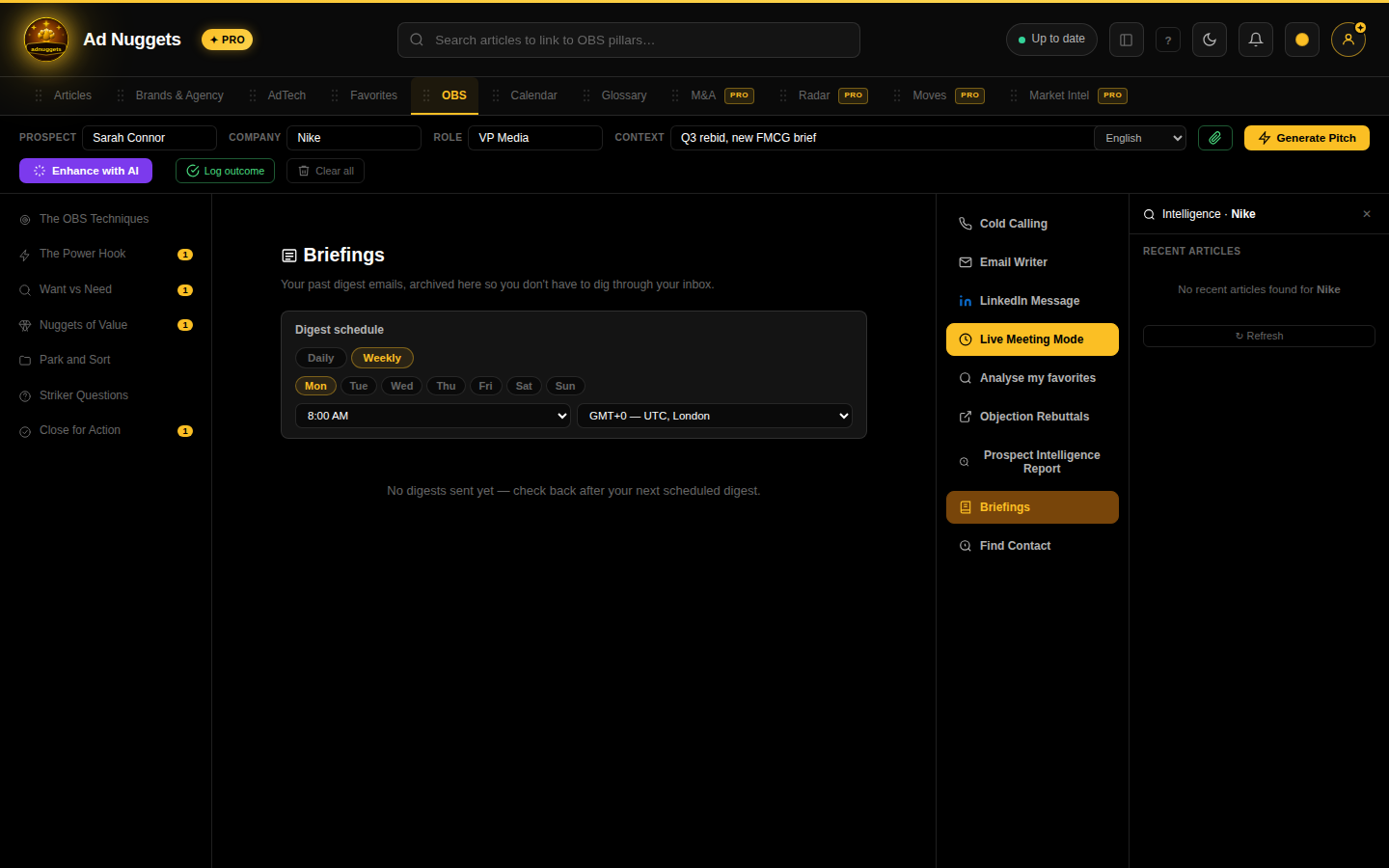
An archive of your past scheduled digest emails (daily/weekly, set in Parameters), viewable in-app so you don't have to dig through your inbox.
ANTHROPIC_API_KEY), not something you need to do as a user.