 Ad Nuggets
Help Center
Click any tab below to expand it. For connecting Slack/Teams/Salesforce/HubSpot/webhooks/the API/the browser extension, see the Connections guide instead.
Onboarding Free ▶
New here? Start with whichever role matches what you do.
Six roles, six different jobs to be done: Account Director, AdTech Sales, CMO, VP Sales/BD, Agency Teams, and Advertisers. Each has its own set of concrete situations mapped to the exact Ad Nuggets tab that resolves them, not a generic feature tour.
Find your role and how to use Ad Nuggets for it → Set your role & country in the app →Articles Free ▶
The main news feed, the home tab.
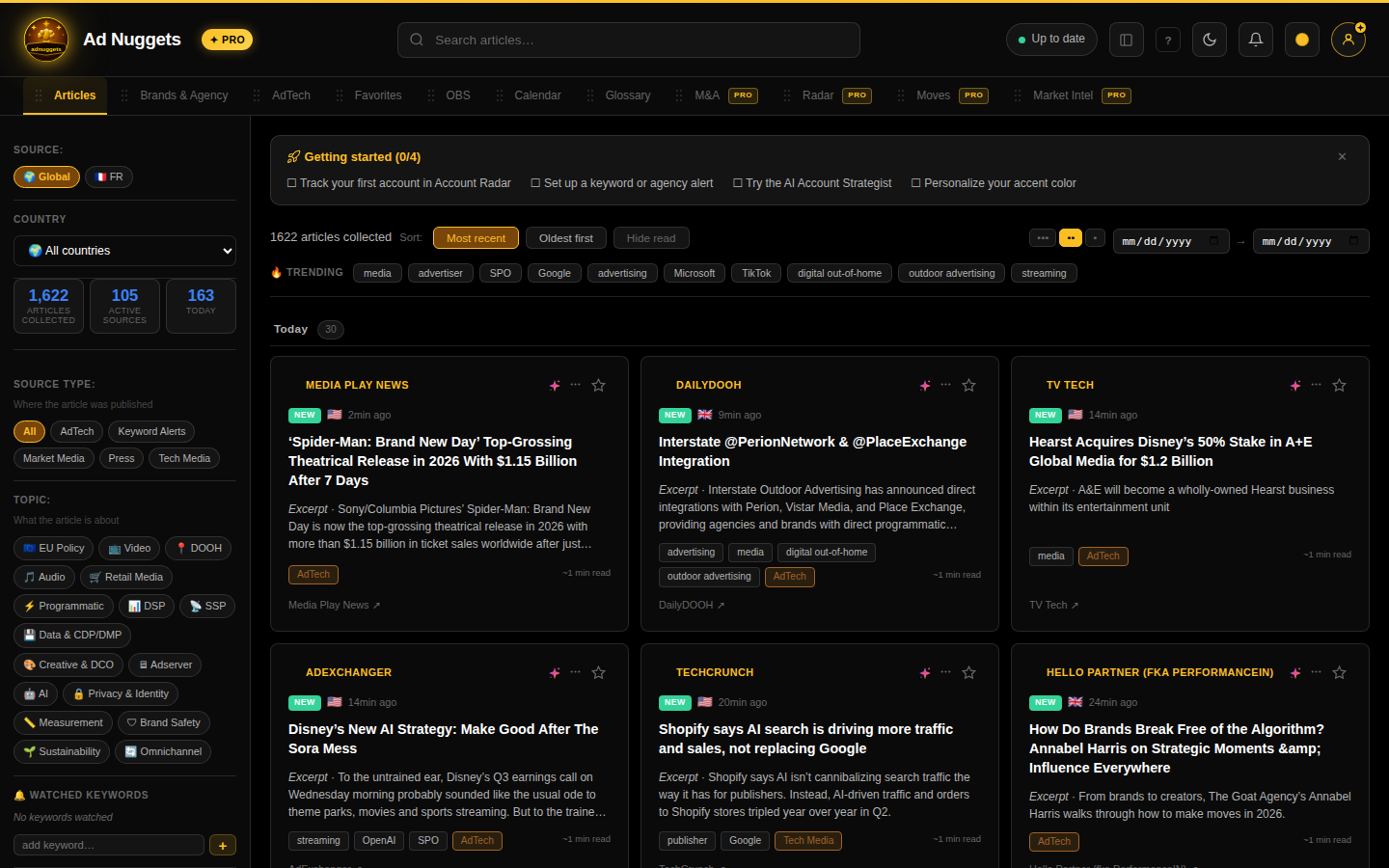 Live capture: searching "identity" and switching to compact card density. Download the clip if it doesn't play inline.
A continuously updated feed of ad tech & media news, aggregated from trade press. Filter by search term, language, source, date range, category, and topic (e.g. "Retail Media", "CTV", "Privacy & Identity"). Use the density toggle to fit more or fewer cards on screen, and the / buttons on any card to set an alert or save it to Favorites.
Brands & Agency Free ▶
Who owns which brand, and how each holding company is doing financially.
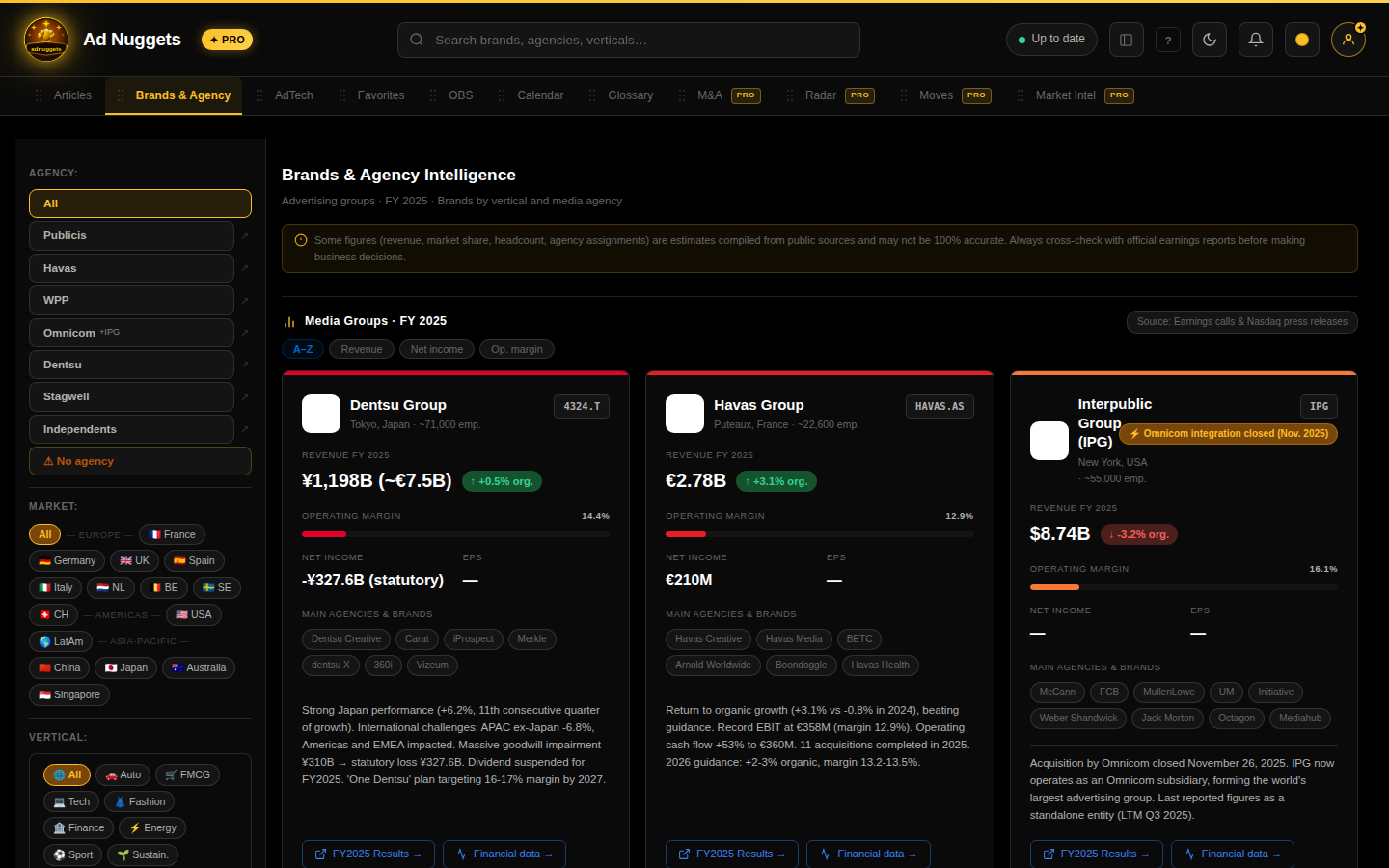 Live capture: searching "Nike" in the Brands & Agency directory. Download the clip if it doesn't play inline.
A directory of holding companies (Publicis, WPP, Omnicom, IPG, Havas, Dentsu, Stagwell, indies) and the brands/advertisers assigned to them, with revenue, organic growth, operating margin, headcount, ticker, and merger badges. Search or filter down to a single company. The companion market view surfaces vertical/agency/geo rankings ("Palmarès") and a revenue-growth leaderboard; the advanced chart visualizations there are Pro-only.
AdTech Free ▶
The vendor landscape: DSPs, SSPs, measurement, identity, and more.
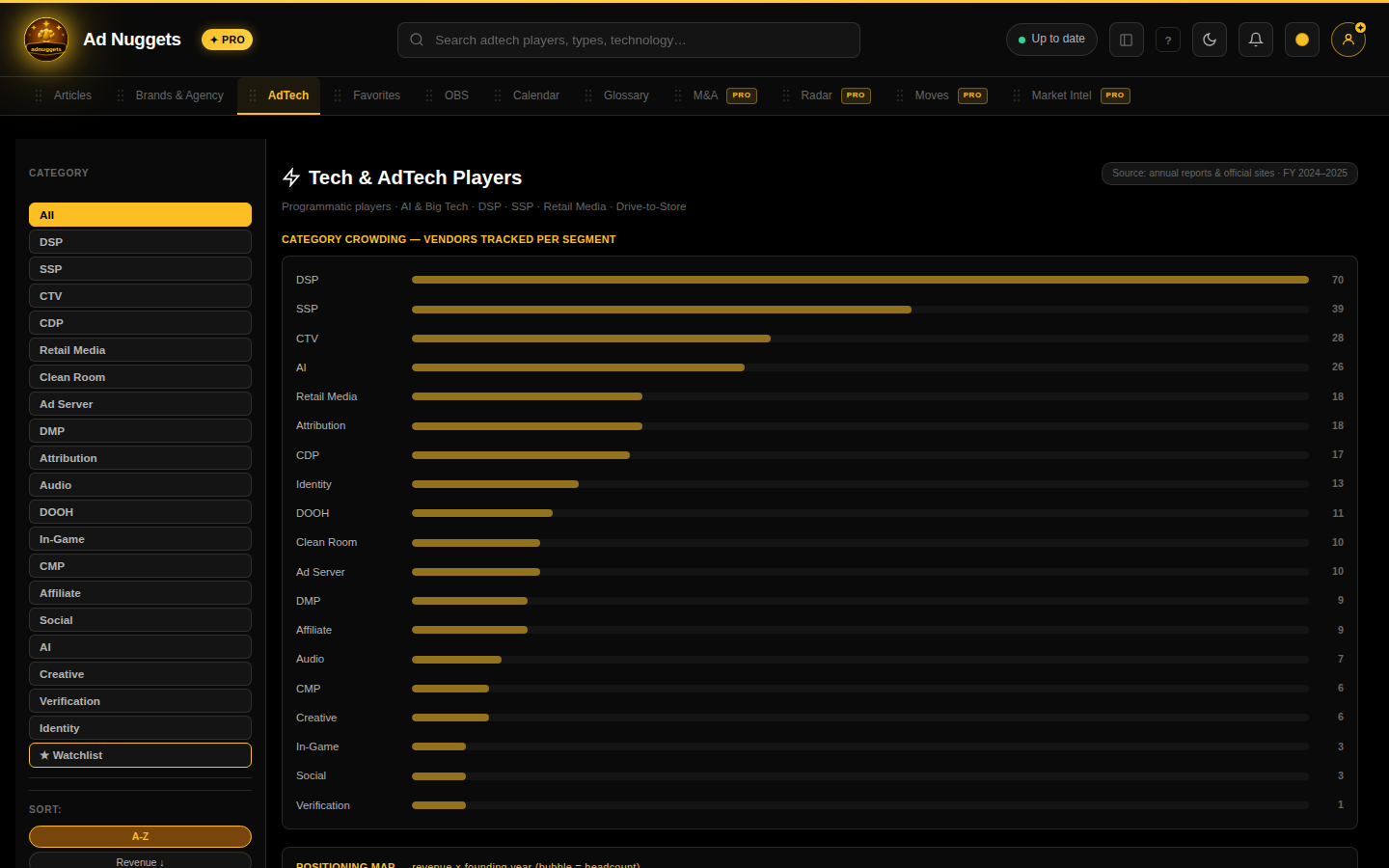 Live capture: filtering the vendor grid down to a single category. Download the clip if it doesn't play inline.
Browse the AdTech vendor grid with a category filter bar and a personal watchlist filter. A "category crowding" bar shows how many vendors sit in each segment, and a positioning map plots vendors against each other (both Pro-only inline widgets); the vendor list itself is free to browse.
Favorites Free ▶
Everything you've saved.
 Live capture: switching the sort order between newest and oldest. Download the clip if it doesn't play inline.
Manage saved/starred articles: sort newest/oldest/A–Z, filter by your own custom collections, search, or bulk-clear. This is also the pool OBS's "Analyse mes favoris" tool pulls from when attaching supporting evidence to a pitch.
Sales Lab Free notebook Pro tools ▶
Four sub-tabs: Outbound Builder, Tech Sales Playbook, Market Intel, and Learn (see below).
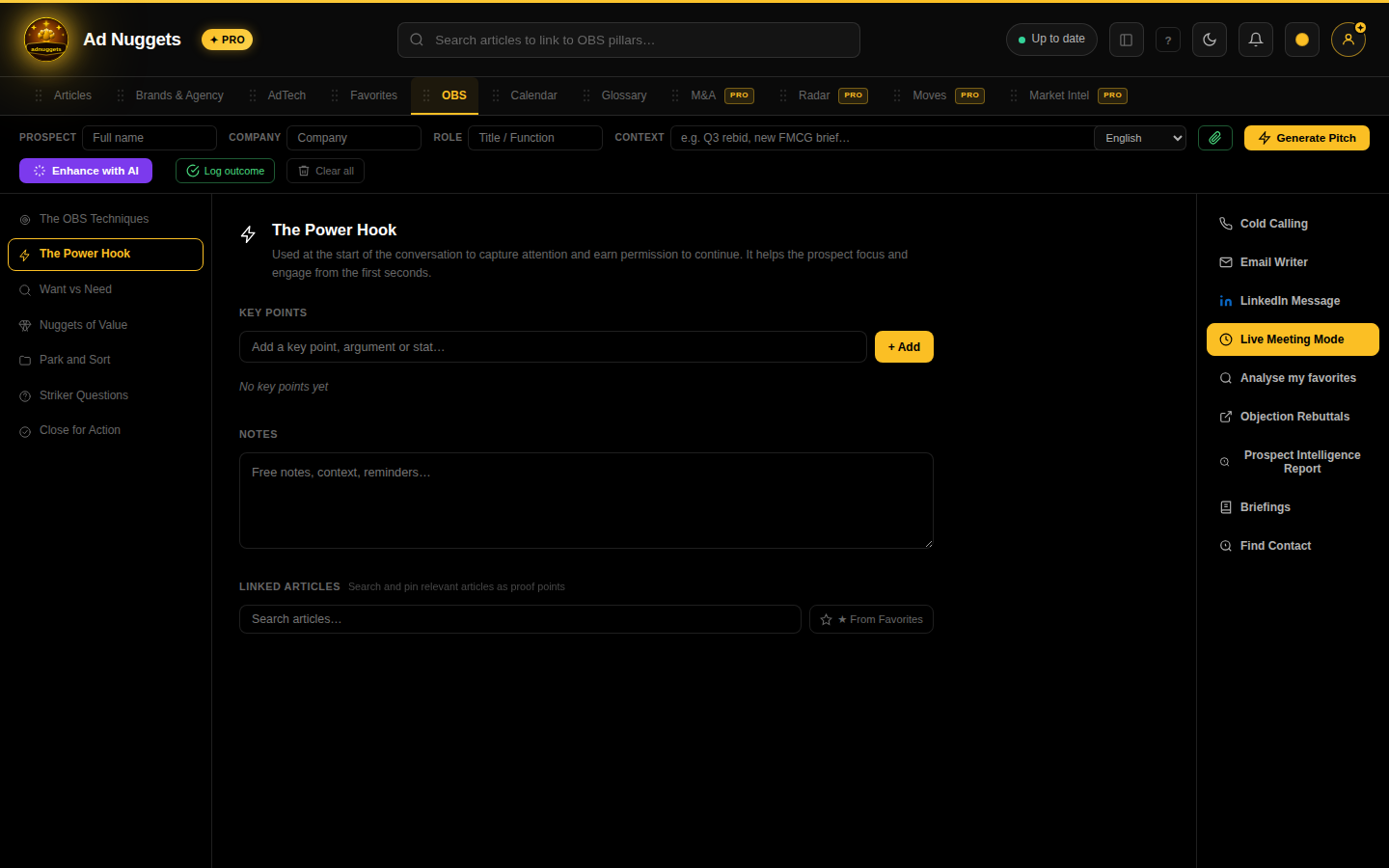 Live capture: typing a company into the prospect bar and adding a key point. Download the clip if it doesn't play inline.
Outbound Builder is Outcome-Based Selling: a structured way to build a pitch on a specific prospect. It opens to a left-hand list of 7 pillars, a free-form notebook (saved locally, no server round-trip) for organizing your thinking on a deal, plus 7 Pro action tools (Cold Calling, Email Writer, LinkedIn Message, Live Meeting Mode, Analyse mes favoris, Objection Rebuttals, Prospect Intelligence Report, Briefings) that turn that notebook into deliverables.
Tech Sales Playbook is a full interactive course for adtech sellers: 15 modules with working calculators and scorecards, plus a quiz.
Full OBS deep-dive: every pillar, every tool, with examples & a video →Market Intel Sales Lab sub-tab Pro ▶
Anonymized, aggregate benchmarks across all Pro users. Found inside Sales Lab → Market Intel.
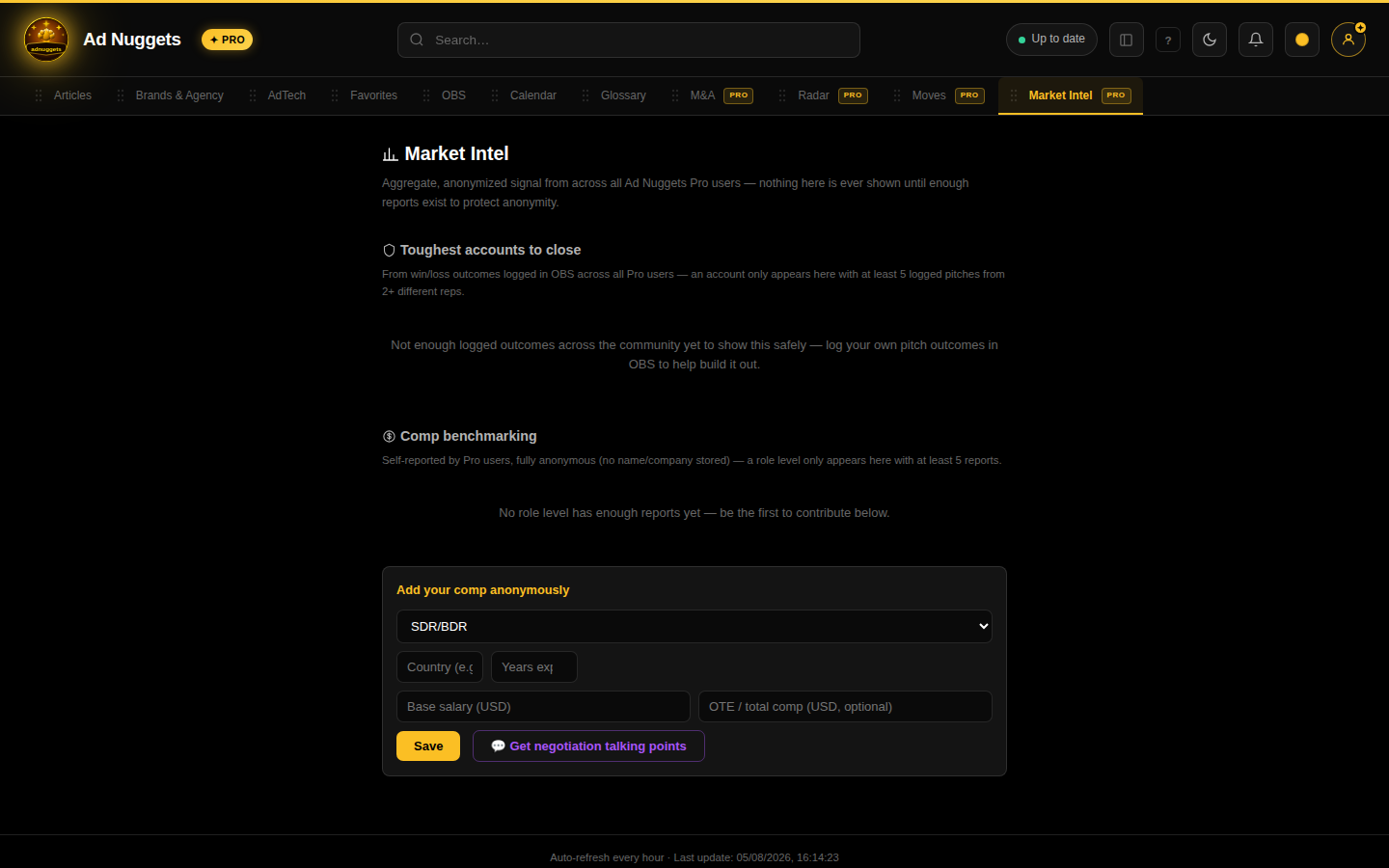 Live capture: submitting an anonymous comp report. Download the clip if it doesn't play inline.
- Toughest accounts to close: win/loss rates derived from OBS-logged outcomes, only shown once enough reports exist to protect anonymity
- Comp benchmarking: base salary & OTE by role level, from self-reported anonymous submissions; submit your own to unlock the view, then get an AI-generated negotiation talking-points script comparing your comp to peers
Learn & Glossary Sales Lab sub-tab Pro ▶
The ad-tech term dictionary, plus deep-dive articles and quizzes on what's reshaping the industry. Found inside Sales Lab → Learn.
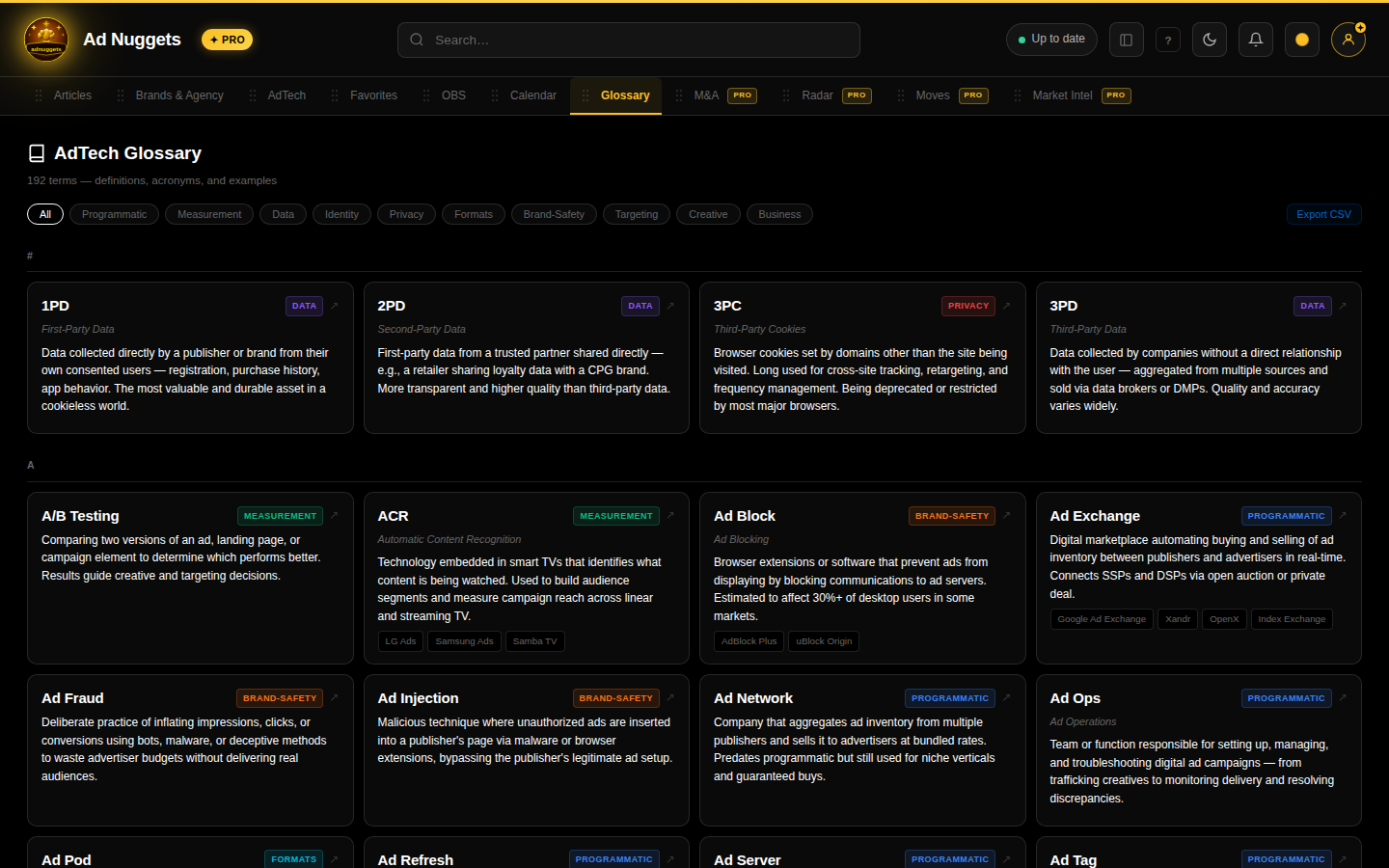 Live capture: searching a term, then filtering by category. Download the clip if it doesn't play inline.
Alphabetized terms tagged by category (programmatic, identity, privacy, etc.), searchable and filterable. Clickable example chips jump straight into a Radar search for that example company.
Radar Pro ▶
Four sub-tabs: Account Radar, M&A, Moves, and Calendar (see below).
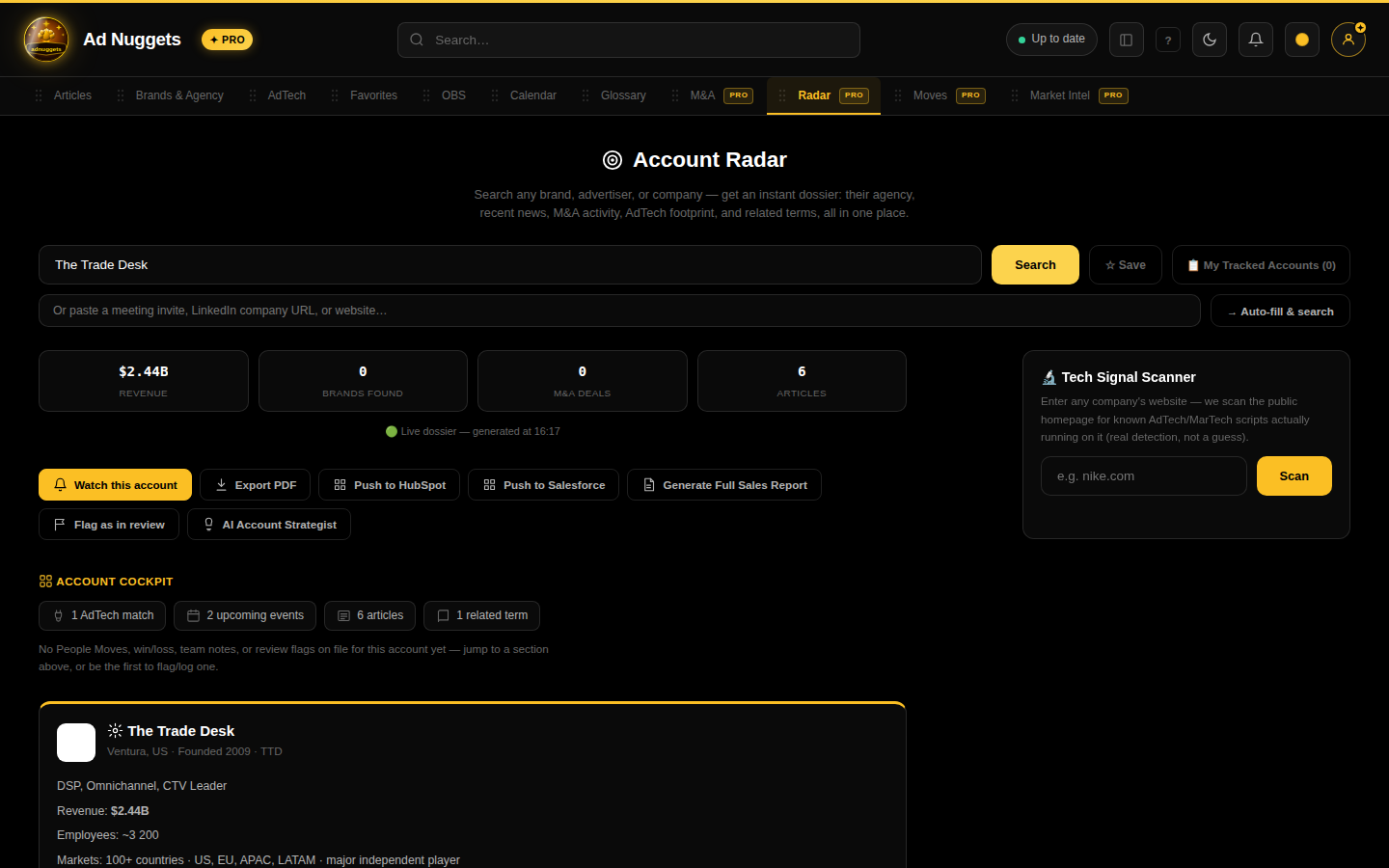 Live capture: searching "Nike", tracking the account, and opening My Tracked Accounts. Download the clip if it doesn't play inline.
Account Radar (the default sub-tab): search any company (or paste a meeting invite, LinkedIn URL, or website and let it autofill) to get an instant dossier: matched holding company/agency, brand financials, AdTech vendor matches, M&A history, and recent coverage. From a result you can track the account, export as PDF, push to HubSpot/Salesforce, flag it as "in review", run the AI Account Strategist, or scan its domain for AdTech/MarTech signals.
Full Radar deep-dive: every action, with examples & a video →M&A Radar sub-tab Pro ▶
The deal tracker. Found inside Radar → M&A.
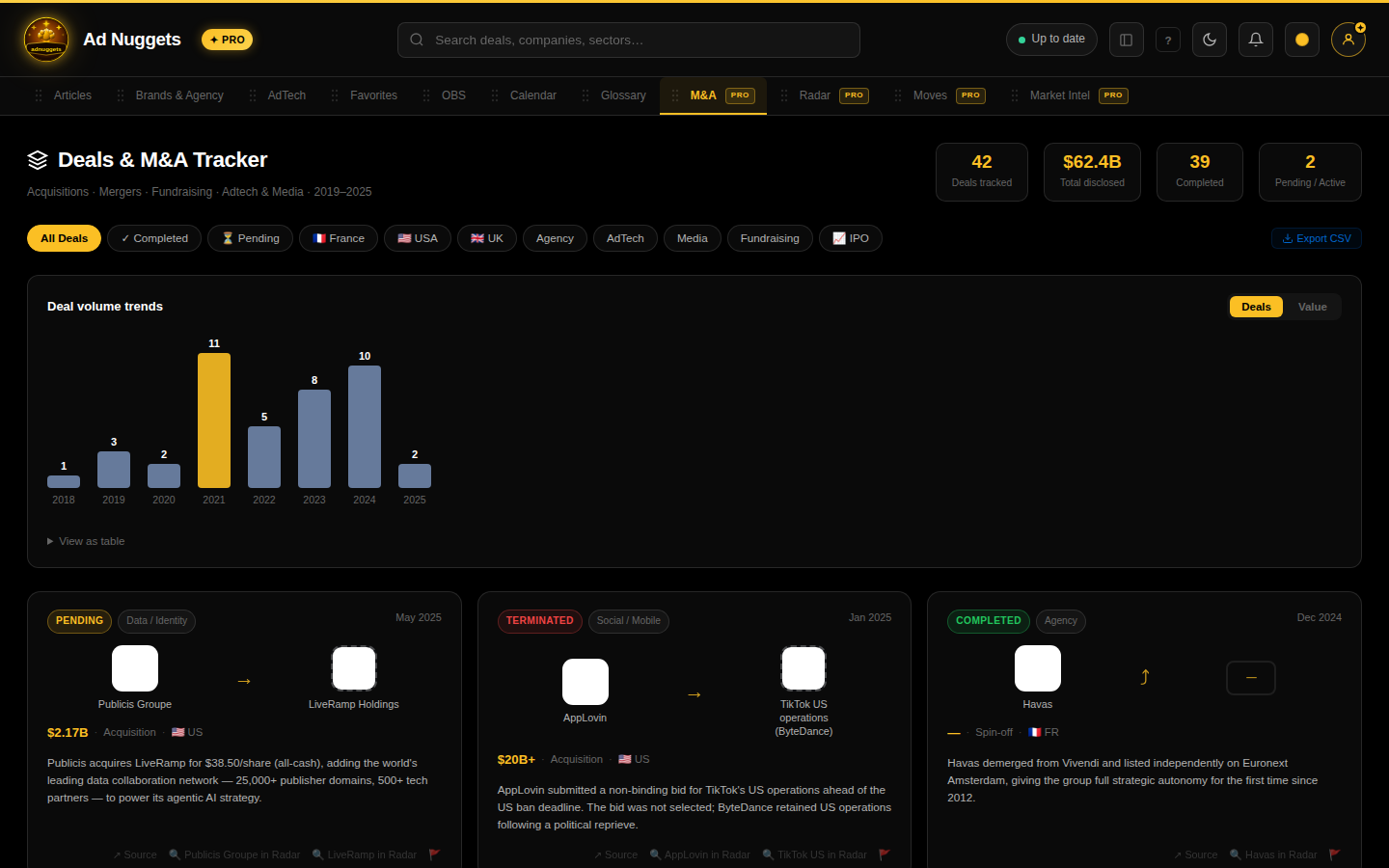 Live capture: filtering the deal tracker down to Completed deals. Download the clip if it doesn't play inline.
Acquisitions, mergers, fundraising, and IPOs across agency/adtech/media since 2019, with region/status/sector filters, search, summary stats (deals tracked, total disclosed value, completed vs. pending), a deal-volume trend chart, and CSV export. Free accounts see the first 10 matching results only.
Moves Radar sub-tab Pro ▶
Executive hires, promotions, and departures. Found inside Radar → Moves.
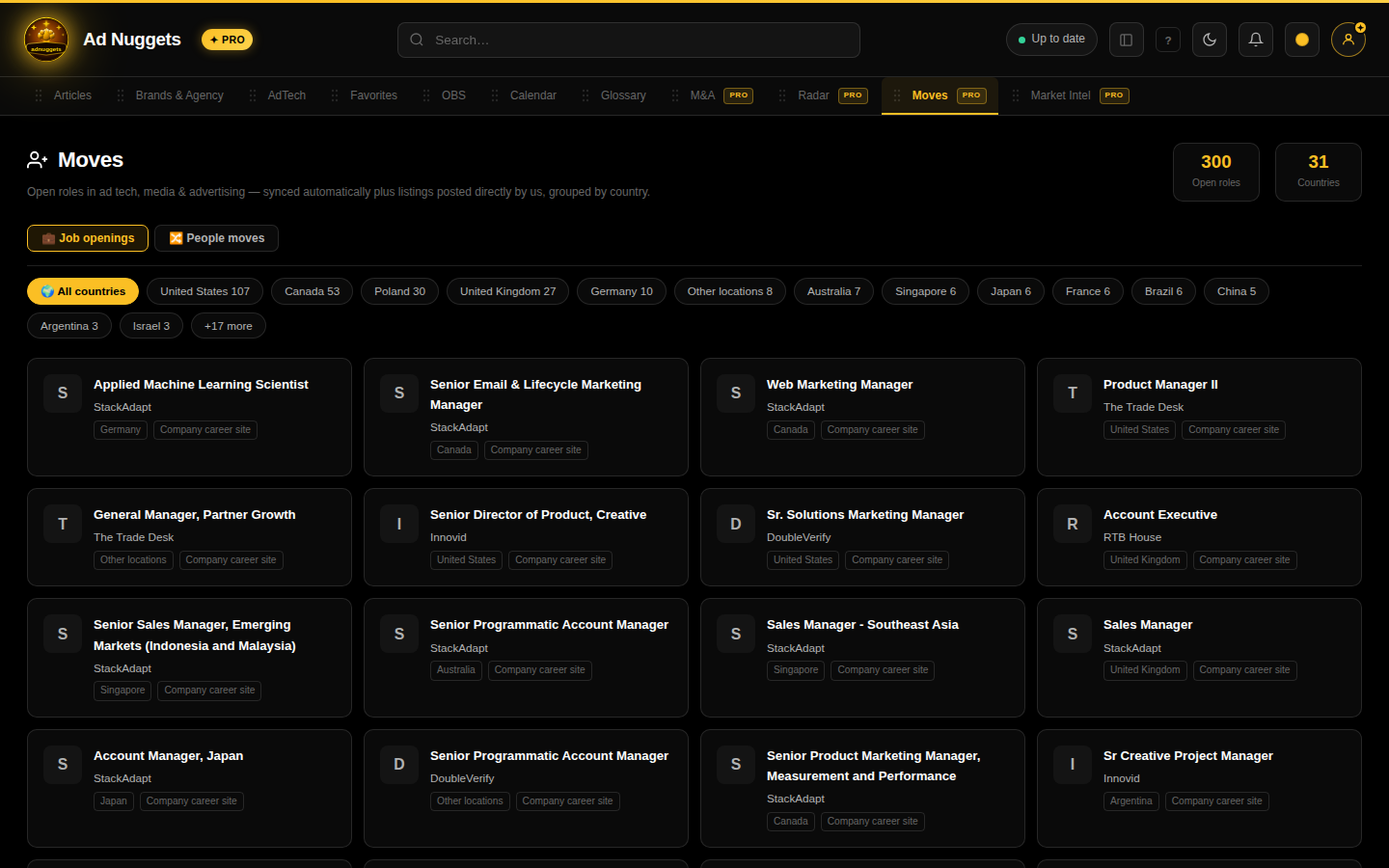 Live capture: switching from Sales view to Recruiter view. Download the clip if it doesn't play inline.
Detected daily from ad-tech/media trade press over a rolling 100-day window. Filter by move type and by country/market. Toggle between a Sales view (who's who at target accounts) and a Recruiter view (departures surface as candidates who may be available; hires/promotions help verify current titles).
Calendar Radar sub-tab Pro ▶
The ad-industry events calendar. Found inside Radar → Calendar.
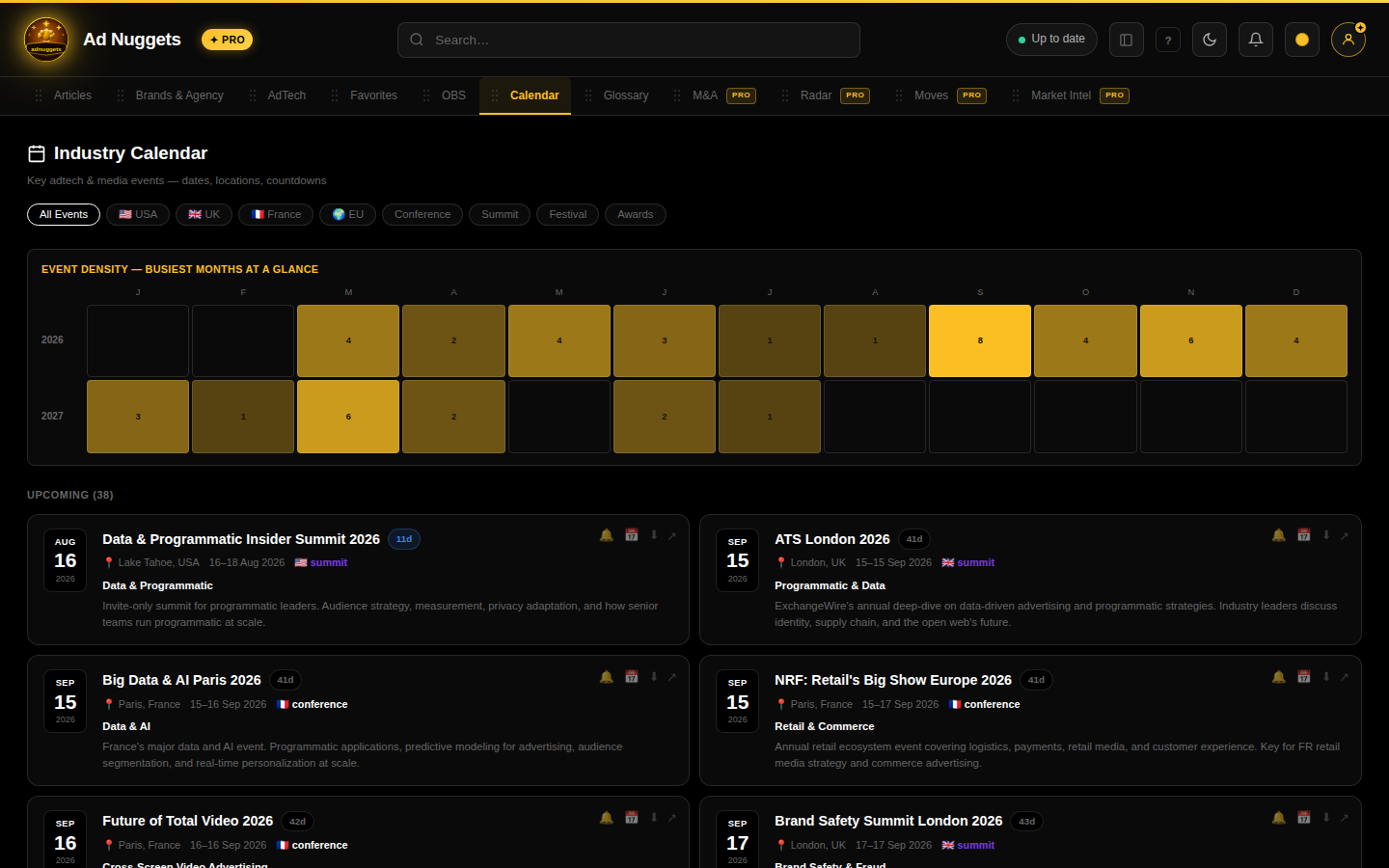 Live capture: toggling an email reminder on an event. Download the clip if it doesn't play inline.
Conferences, summits, festivals and awards with region/category/month filters and countdown badges ("Live now", "3d"). Toggle a reminder on any event, or export it to ICS/Google Calendar.
Team Pro Business ▶
Open from the account menu (top right), not the main tab bar.
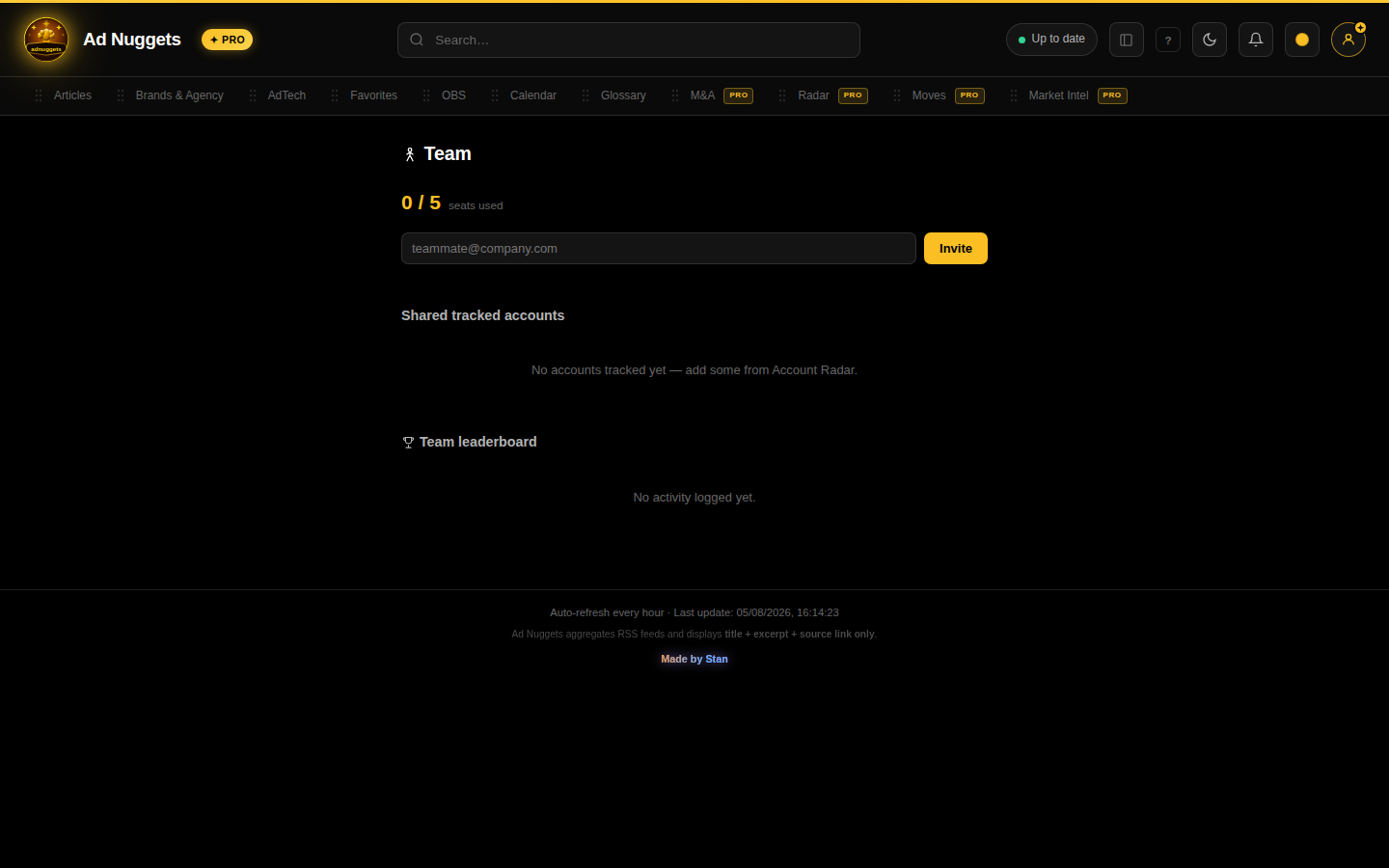 Live capture: inviting a teammate to the team. Download the clip if it doesn't play inline.
Three blocks for teams on the Pro Business plan: team roster and seat management (owner can invite/remove teammates), a shared tracked-accounts list visible to the whole team with a territory-conflict badge when two reps are both active on the same account, and a leaderboard ranking reps by OBS win rate and 30-day activity.